SQLcl has built-in code snippets (ALIAS command). Because you can't remember everything, right?

Oracle APEX & PL/SQL Developer with 10 years of experience in IT, including financial systems for government administration, energy, banking and logistics industry. Enthusiast of database automation. Oracle ACE Associate. Certified Liquibase database versioning tool fan. Speaker at Kscope, APEX World, SOUG, HrOUG, POUG and DOAG. Likes swimming in icy cold lakes in winter and playing basketball.
How many times a day do you re-type the exact same SQL queries?
Whether it is checking system time, finding out which employees earn way too much, or running a complex query to check active database sessions, typing those long SQL statements repeatedly is a waste of time.
Sure, you could keep a scratchpad open with your standard scripts. But what if your favorite command-line tool (SQLcl) could remember them for you?
That’s exactly what theALIAS command in SQLcl is for. And it’s been there since… well, let’s just say it’s not exactly new.
What's an alias?
In SQLcl, it is simply a shortcut name mapped to a SQL statement or PL/SQL script. Instead of executing a full query, you just type your custom shortcut name.
How do you create one?
Let’s say you keep querying SYSDATE just to check the current database time.
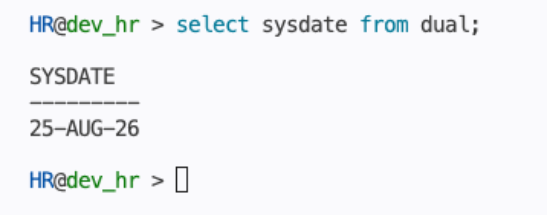
Define an alias called "time":
alias time = select sysdate from dual;
And just type "time"
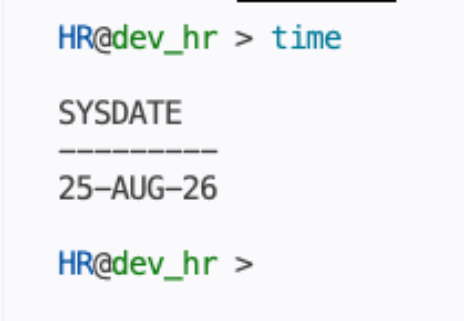
OK, but aliases are not limited to static queries. You can also pass parameters into them.
Suppose you want to query your top highest-paid employees.
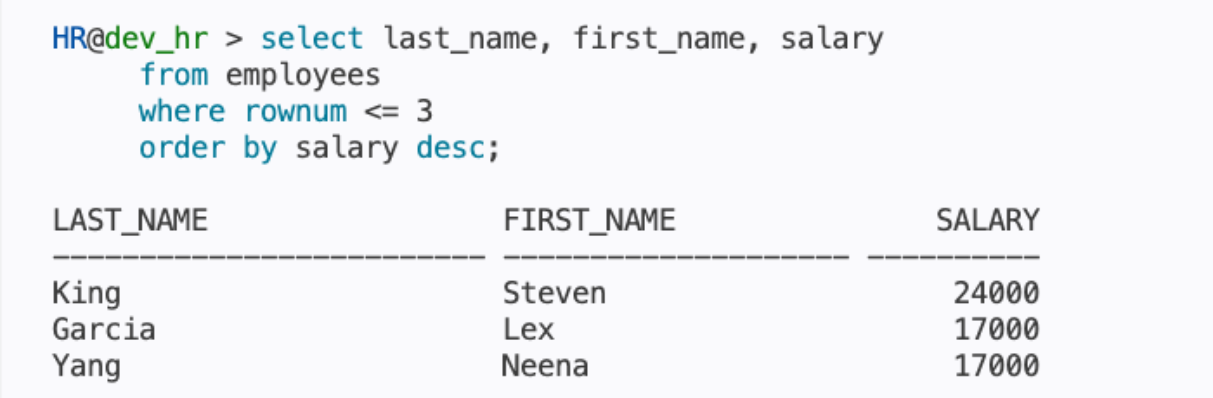
What about just typing "top"?
Yes, please! Just define an alias.

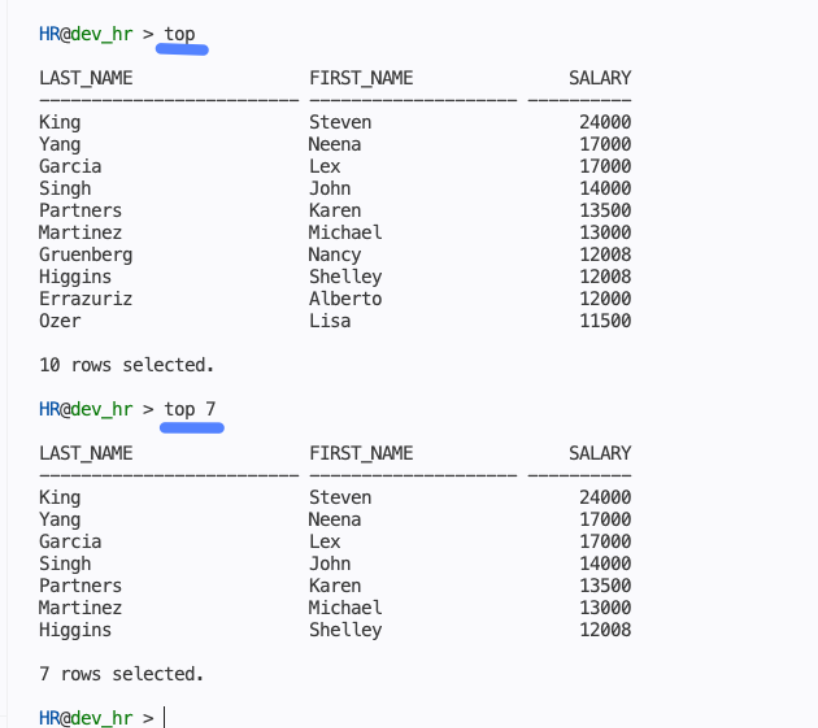
alias -nulldefaults -group employees -desc "My top X employees" top = select * from (select last_name, first_name, salary from employees order by salary desc) where rownum <= nvl(:count,10);
Quick explanation:
"-nulldefaults" - optional param, auto-assigns null values if you don't specify a variable while running "top"
"-group" - optional, adds alias to group
"-desc" - optional alias description
Now, just type "top" or "top X"
Manage aliases/snippets
I don't want you to get lost in 1000 aliases you will create after reading this blog :)
That's why SQLcl provides built-in subcommands to manage, view, and organize all your saved shortcuts.
alias list - show user-defined aliases

alias list all - show all aliases

alias list <group> - shows user-defined aliases from group

alias details <alias_name> - shows alias details

alias search *text* - search through aliases, * is an optional wildcard
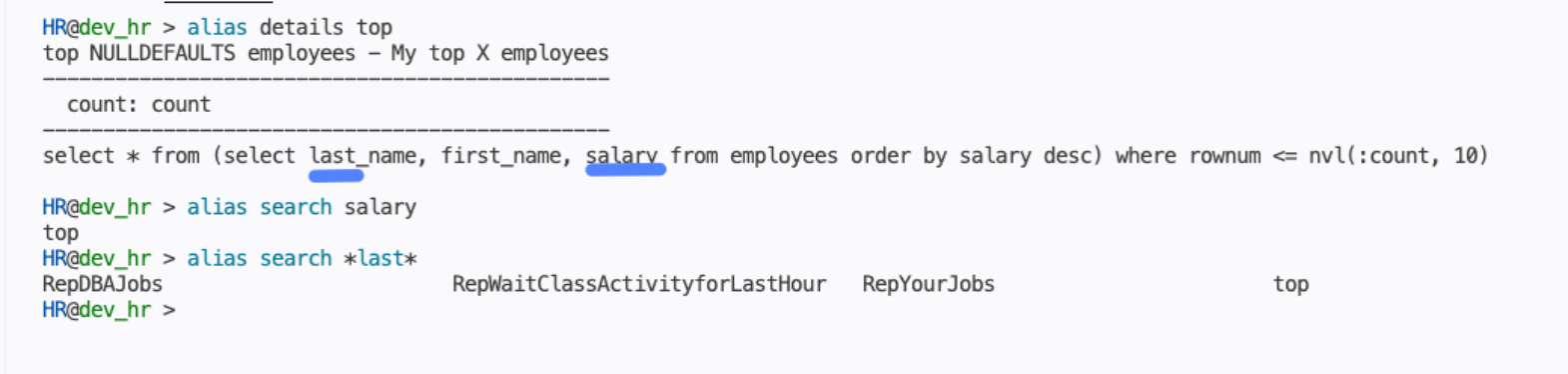
alias save - save aliases you defined
alias load - load aliases from file shared by friend
If you use SQLcl Projects, you can start by loading the aliases created by Alexander Kluev (link here).
Useful aliases already built into SQLcl.
No need to do anything. Just run SQLcl, and you already have all those aliases. Nice, isn't it?
alias list default
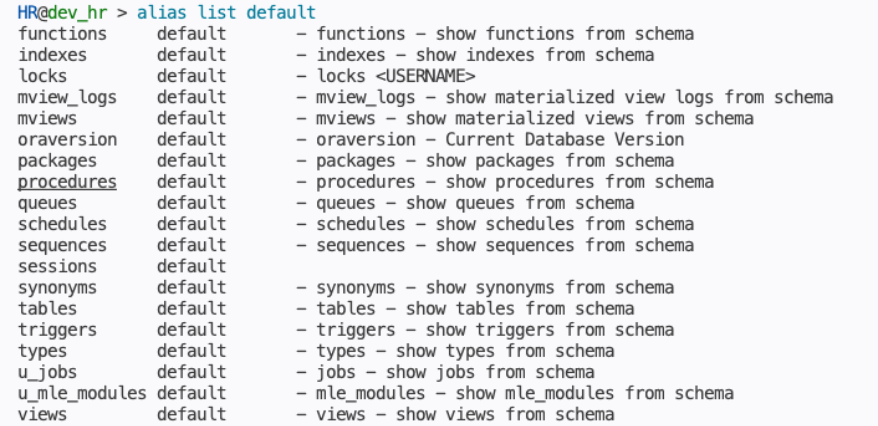
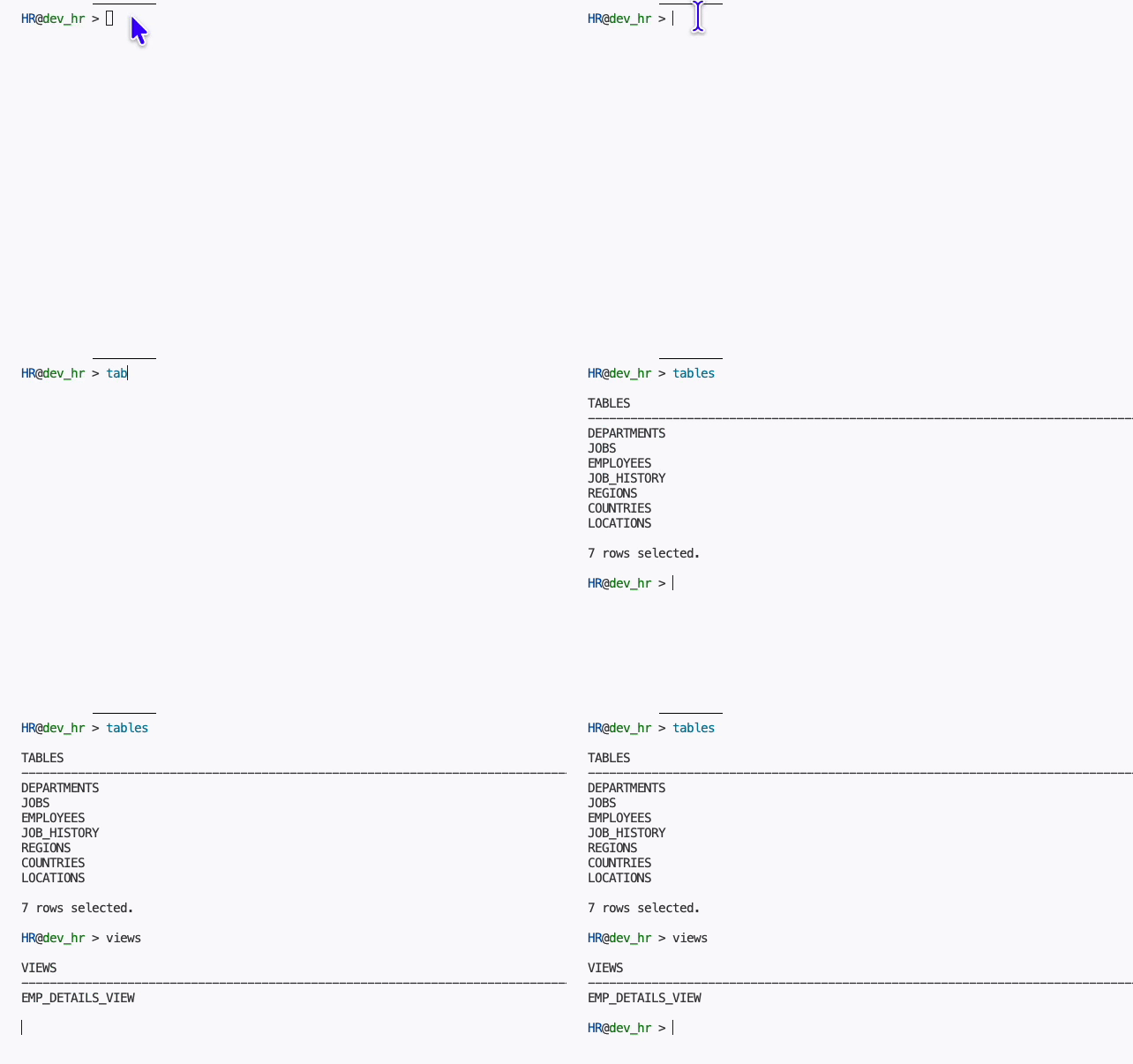
If you want to learn more about the ALIAS command, open SQLcl and run the HELP command.
sql /nolog
help alias
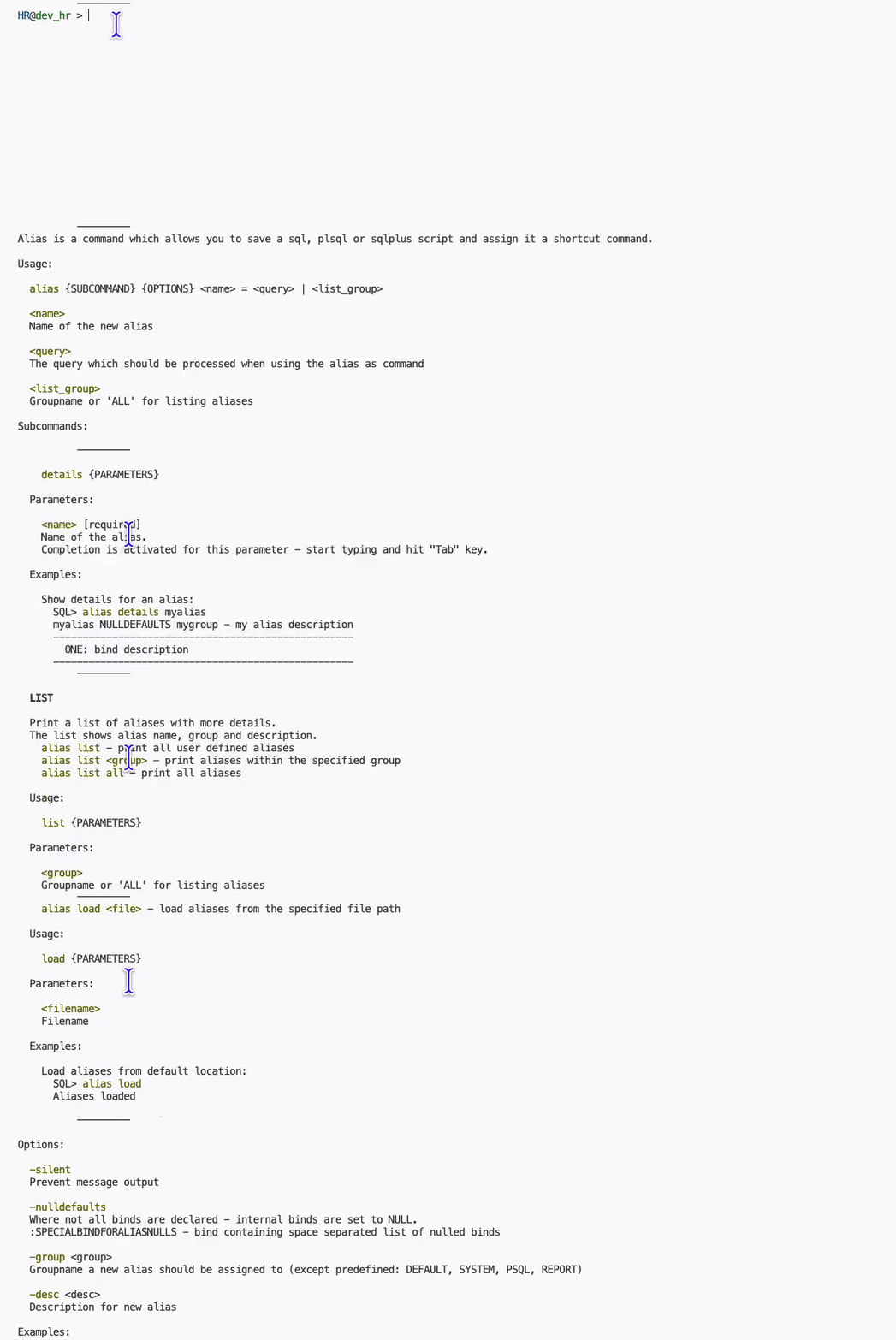
And for more articles about SQLcl, try my all things SQLcl hub here -> https://rafal.hashnode.dev/oracle-sqlcl-what-every-apex-pl-sql-dev-should-know-dbas-you-re-invited-too
Enjoy creating your next 1,000 aliases or code snippets if you prefer!
P.S. What's the cover photo? It's a view from my video calls in a co-working office during my stay in Riga, Latvia.
P.P.S.
The gorilla is not real.
No animals were hurt.
Yes, it was motivating to work harder :)


